返回列表 发布新帖

[新闻] Do You See It? In Dark Mode, iOS 26 App Icons Are Making Some People Feel Dizzy

59 0
Mary 发表于 2025-9-18 00:24:29 | 查看全部 阅读模式
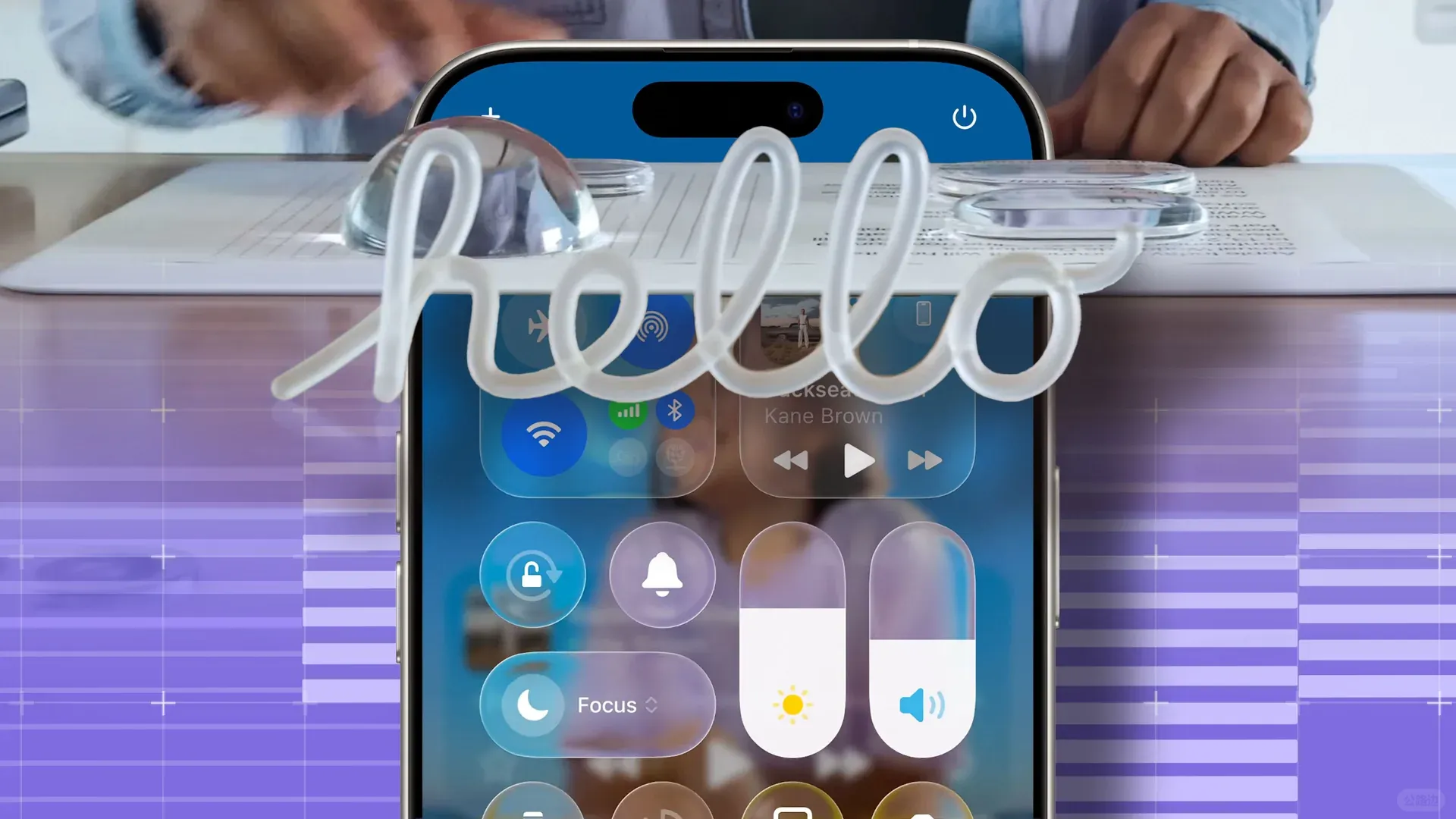
If you've downloaded iOS 26 on your iPhone, you may find that dark mode, combined with the new Liquid Glass design, is playing with your eyes.
do-you-see-it-in-dark-mode-ios-26-app-icons-are-making-some_1srn.1920.jpg
As Gizmodo notes, the icons on the home screen now look tilted. It points to a Reddit thread with over 3,100 upvotes and 600 comments that say the same thing.

The design changes are part of iOS 26's Liquid Glass design, which adds a glow effect to the outline of app icons and a more pronounced one on the bottom-right corner. Together, they can make the icons appear slanted to the right.

On Reddit, some recommend turning on Reduce Motion to stop animations and Prefer Cross-Fade Transitions to further limit motion. However, there's no option to remove the effects entirely.

Not everyone can see it. We apologize if we're only just bringing it to your attention. It's also not new; some noted it during the beta testing period, so Apple is likely aware. It's unclear if it plans to do anything about it. For Liquid Glass overall, you can reduce the transparency effect via Settings > Accessibility > Display & Text Size > Reduce Transparency.


回复

您需要登录后才可以回帖 登录 | 立即注册

本版积分规则

关灯 在本版发帖
扫一扫添加微信客服
QQ客服返回顶部
快速回复 返回顶部 返回列表